For CA firms and the businesses they serve
Collect client documents without the chasing.
Firmfloe gives your firm one place to request, receive and review documents, and gives every client one clear next step.
Invite-only while we build with our first firms. See how it works.
How it works
-
Send a checklist
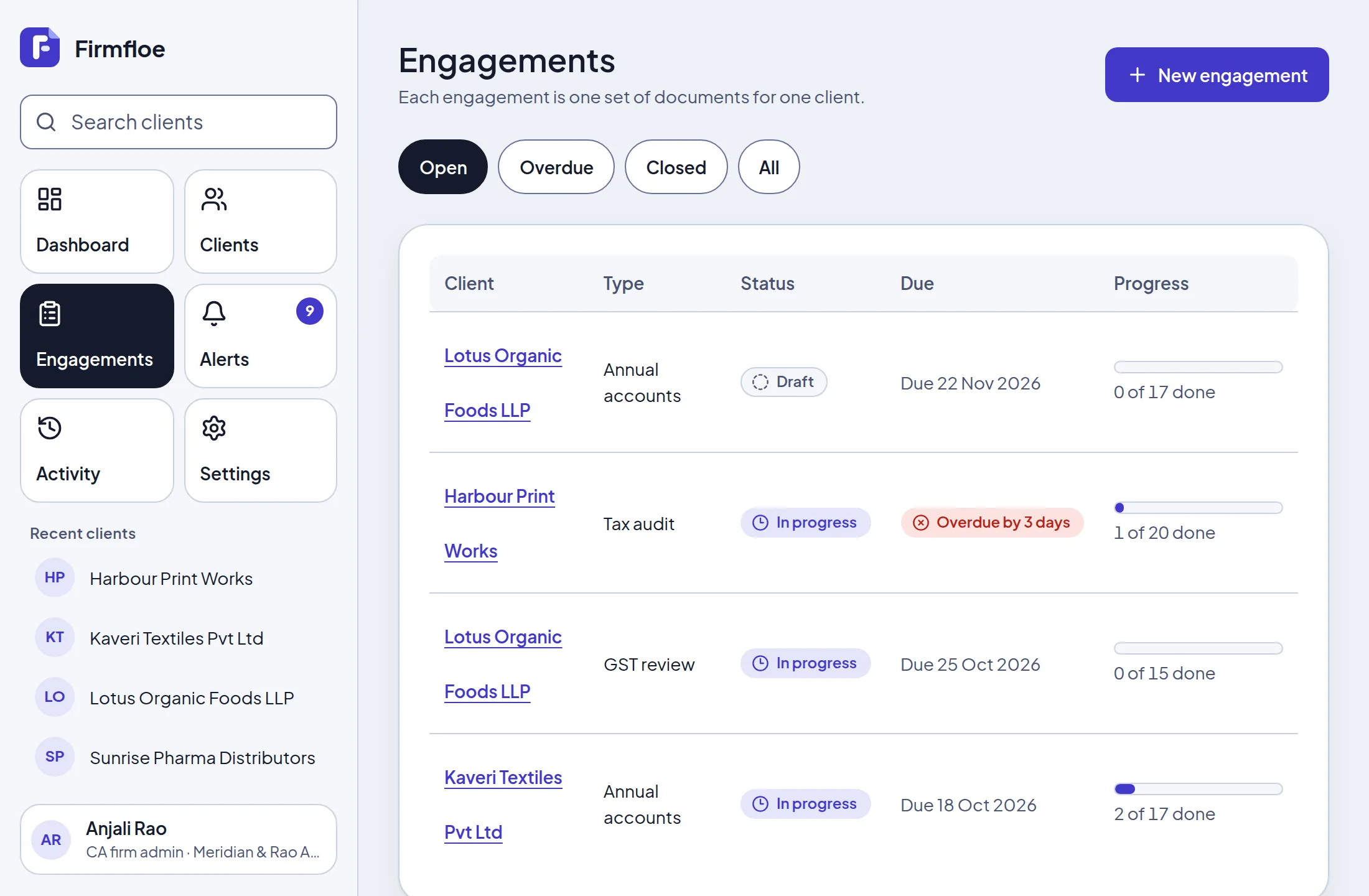
Pick a client and a type of work, adjust the checklist, set the due date and send it. Nothing reaches the client until you do.
-
Client uploads
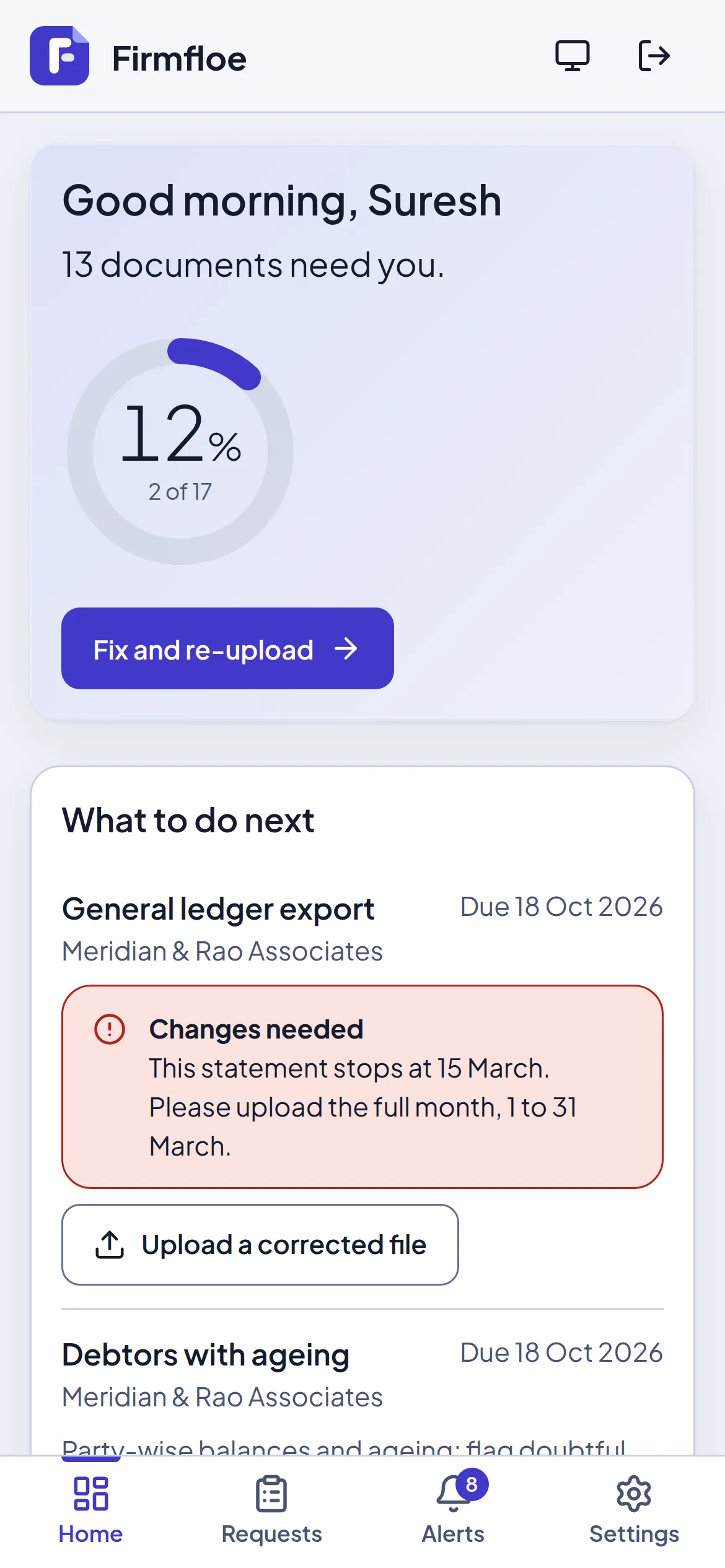
The client sees what is needed, by when, and uploads from a phone or a desktop. Reminders go out before the due date.
-
You review and close
Accept a document, ask for changes with a reason, or mark it not needed. When every required item is done, close the engagement and export the files.
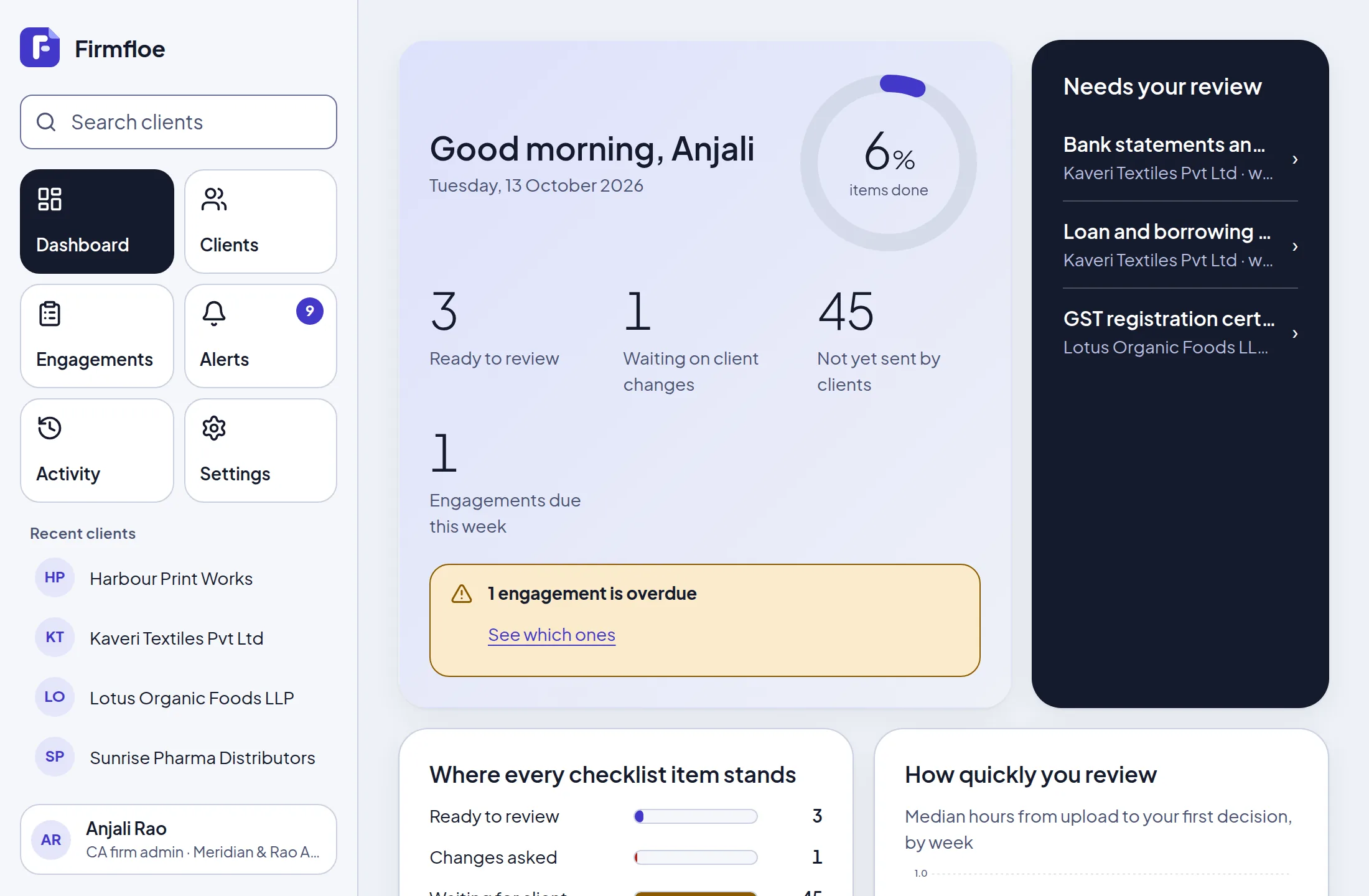
For the firm: see everything that is waiting on you
- A review queue that shows what arrived and how long it has been waiting.
- Checklists for annual accounts, GST reviews, tax audits and general work, which you can edit per engagement.
- Reminders at 7, 3 and 1 days before the due date, then weekly once overdue, sent during the day in India time.
- A dated activity log of who did what, and a zip export of the accepted files with a manifest.
Accepted means accepted for intake. It is not an audit opinion.
For the client: one next step, in plain language
- The home screen shows how many documents are needed and the one to do next.
- Each request explains what is wanted. If the firm asks for changes, the reason is right there.
- Built for a phone first, with large touch targets and text that stays readable when enlarged.
- Nothing to install. Clients join through an emailed invitation and work in the browser.
Built with client documents in mind
These are things the product does today, not promises.
- Firms are kept apart
- Each firm and its clients see only their own data, enforced in the database as well as in the application.
- Invite-only access
- Firms are set up by us. People join through single-use, expiring invitations tied to their email address. Firm administrators must use two-factor sign-in.
- Sensitive numbers are encrypted
- PAN and GSTIN are encrypted before they are stored and shown with only the last four characters unless an administrator reveals them, which is logged.
- Quiet emails
- Notifications are batched and never include file names.
- You choose how long files stay
- Each firm sets how many months after closing its uploaded files are deleted. The record of what was asked and decided stays.
- Support access is a last resort
- Our team has no routine view of your documents. Emergency access needs a written reason, expires in hours and shows in your own activity log.
Already invited?
Sign in to continue where you left off.
Sign in to FirmfloeWant to try it with your firm? hello@firmfloe.com